Applies To
-
Adding prospects to a sequence
-
Users wanting to edit the steps and template during the 'Add to sequence' workflow
- Sequences and Rulesets
Answer
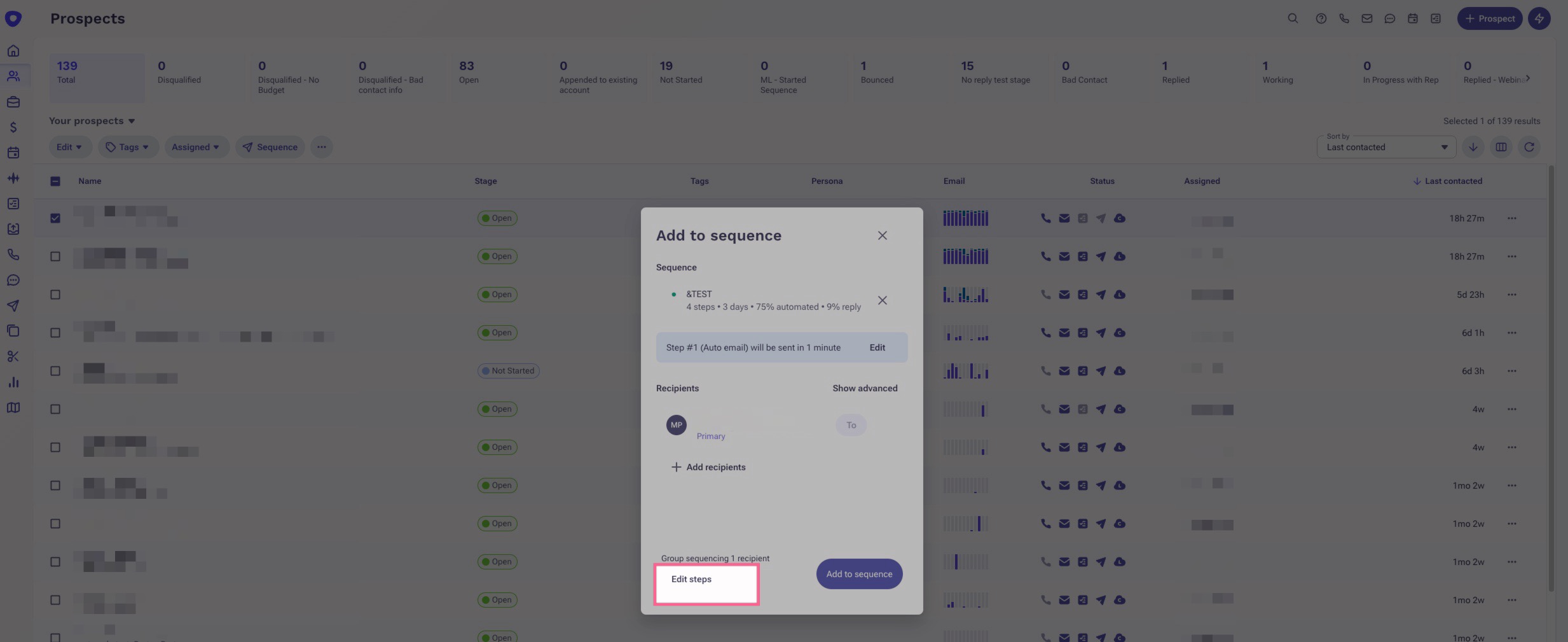
When adding prospects to a sequence, sometimes you will see an option in the bottom left to Edit steps. This allows you to edit the steps and template of that sequence to tailor it more for your prospects. This is helpful for generic sequences that are used for different industries and prospects.
Sometimes, you may not see that feature and instead it will only allow you to View steps.
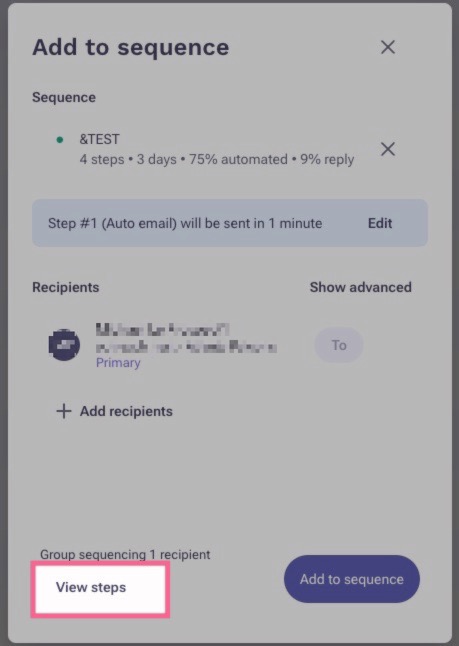
This is because the sequence you're adding the prospects to is using a sequence ruleset that has disabled the feature to allow users to edit the steps when adding prospects.
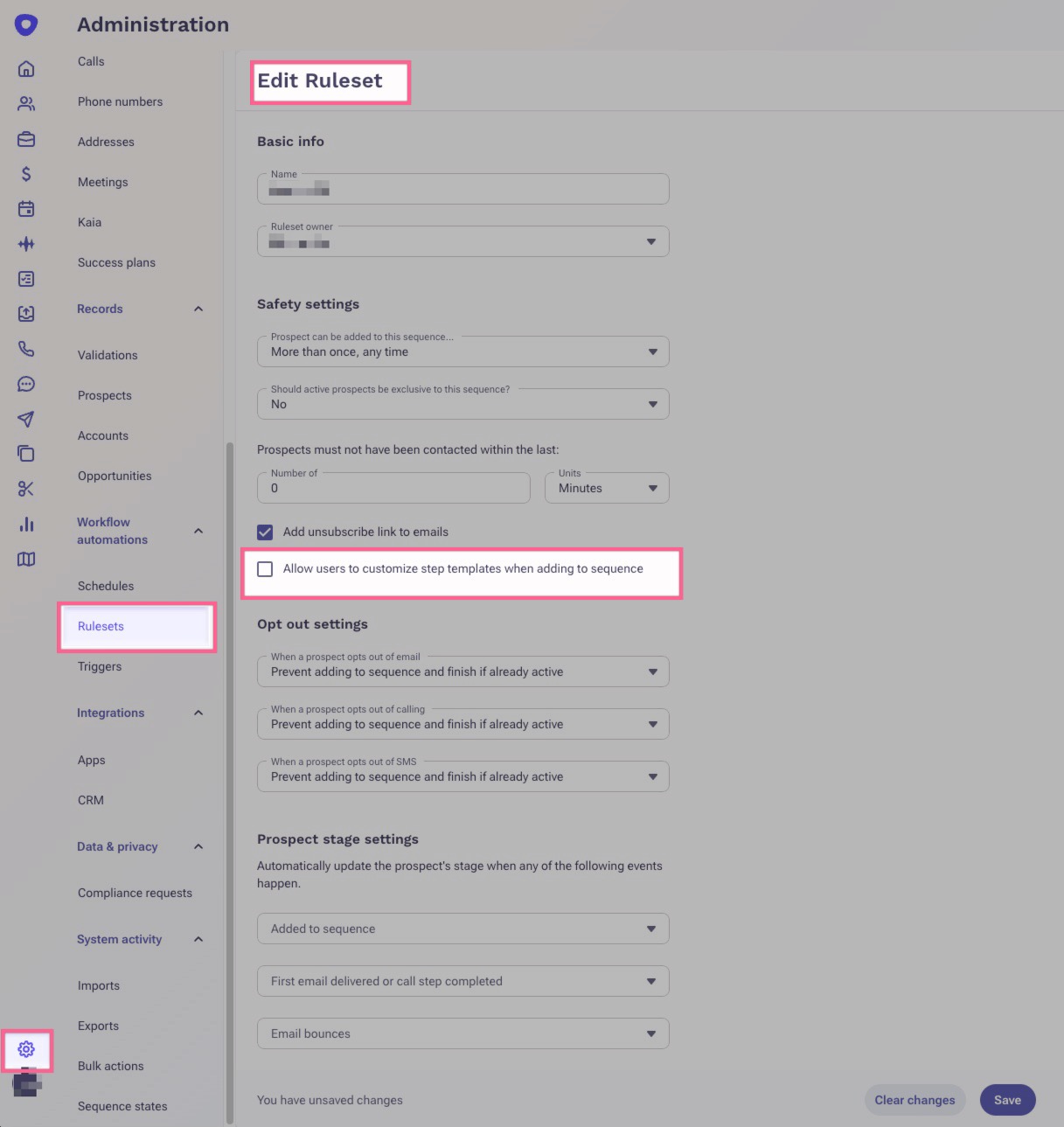
You can either request one of your admins to create a new ruleset that meets your needs and use that ruleset on your sequences, use a different ruleset that is configured to allow the editing of sequence steps, or update the current ruleset. Keep in mind, updating a ruleset will affect all users and sequences using that sequence ruleset.
Additional Information
Was this article helpful?
That’s Great!
Thank you for your feedback
Sorry! We couldn't be helpful
Thank you for your feedback
Feedback sent
We appreciate your effort and will try to fix the article