Symptom
The text within a comment variable isn't being highlighted in blue.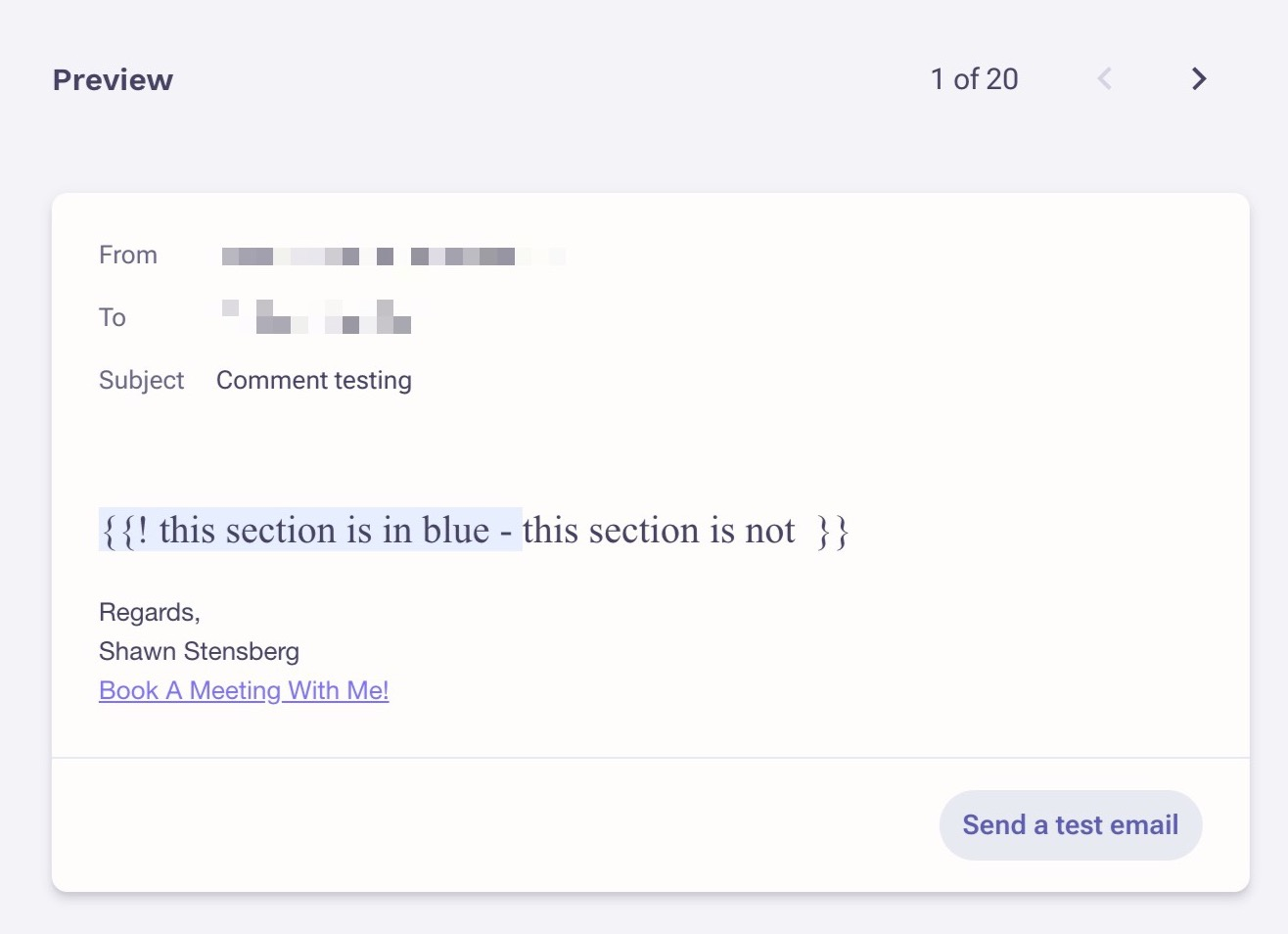
Applies To
Templates
- Variables
- Emails
Resolution
Within the comment, remove the text that is not appearing blue and manually retype it. This will clear any formatting issue and all your comment text should now be highlighted in blue.
Cause
This occurs when text within the comment variable was not manually typed but rather copied from another source and pasted into the comment. The other source could be within the same template, from another template or Word doc, etc.
Was this article helpful?
That’s Great!
Thank you for your feedback
Sorry! We couldn't be helpful
Thank you for your feedback
Feedback sent
We appreciate your effort and will try to fix the article