Objective
This article provides the steps on how to list active users in Outreach platform.
Applies To
- Outreach Admins
Procedure
- Log into Outreach as an Admin.
- Go to Settings.
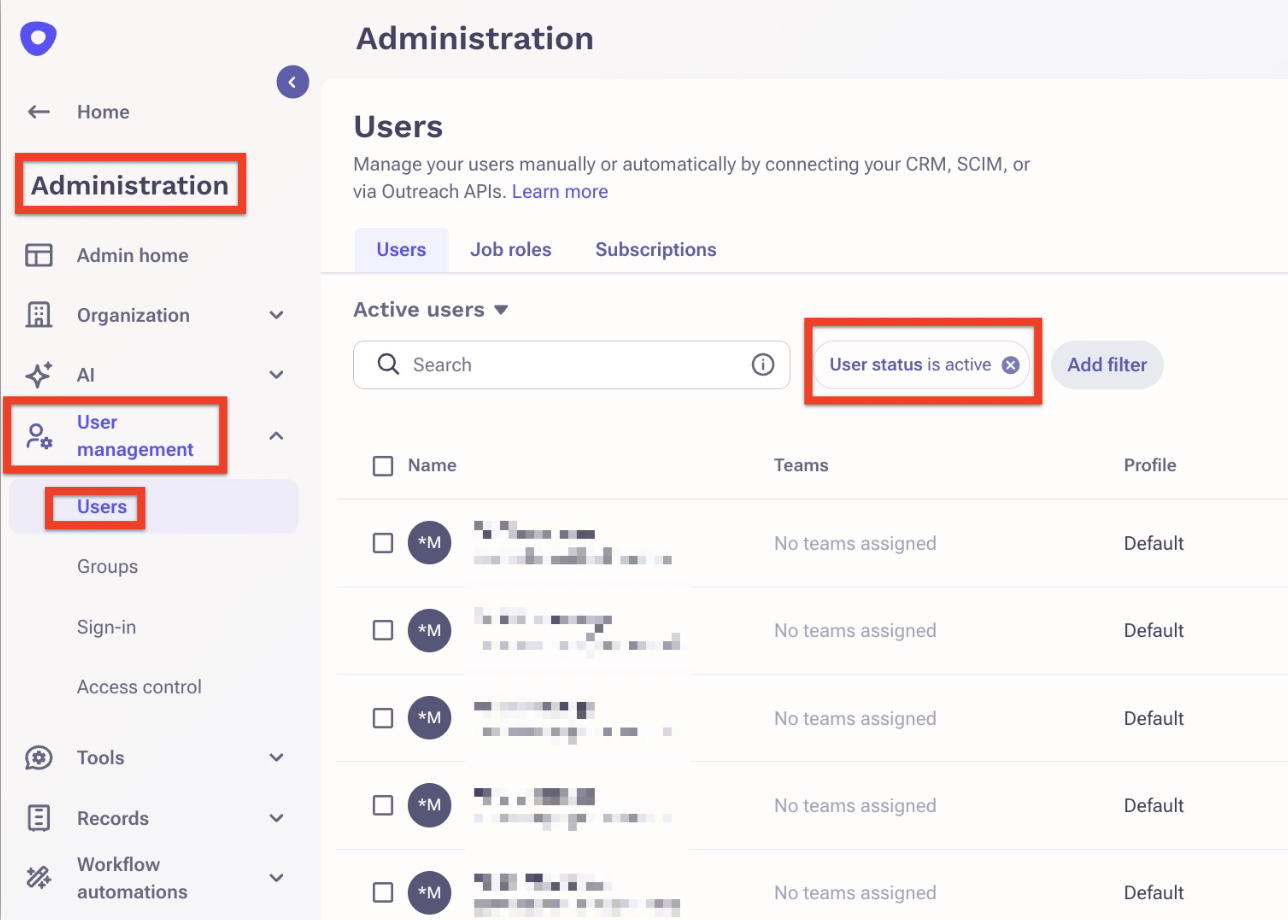
- Click User Management > Users.
- Filter by "User status is active"
Was this article helpful?
That’s Great!
Thank you for your feedback
Sorry! We couldn't be helpful
Thank you for your feedback
Feedback sent
We appreciate your effort and will try to fix the article