Symptom
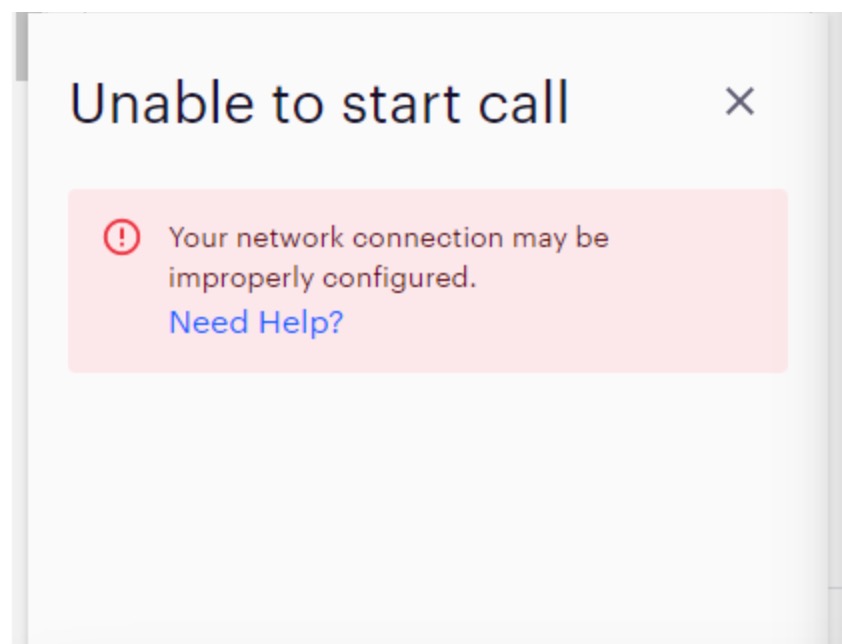
When making a call, users are met with an error message stating "Unable to start call. Your network connection may be improperly configured"
Applies To
-
Outreach users making calls through the Outreach platform
- Google Chrome
Note
- Using imported number lists is not a recommended practice due to risk of outgoing calls to Prospects being registered as spam.
Resolution
- Open an incognito window in Chrome (Press Ctrl + Shift + n. Mac: Press⌘ + Shift + n.)
- Navigate to Outreach.
- Perform a test call.
If call is successful in an incognito browser, return to the normal Chrome environment to clear cache and cookies:
- Make sure your browser is up to date (You can open a new tab and enter chrome://settings/help into the address bar (this page will check for updates automatically)
- Clear your cookies and cache for All-Time (not just the last hour) (Chrome Menu > History > Clear Browsing History).
- You can open a new tab and enter chrome://settings/clearBrowserData into the address bar.
- Perform a hard refresh by hitting Ctrl + Shift + R (on a PC) or Command + Shift + R (on a Mac).
Cause
This happens when there is something in the Chrome environment interfering with the call functionality, whether it's Chrome not being up to date or a caching issue.
Was this article helpful?
That’s Great!
Thank you for your feedback
Sorry! We couldn't be helpful
Thank you for your feedback
Feedback sent
We appreciate your effort and will try to fix the article