Purpose:
The purpose of this article is to provide information to Outreach users regarding the Microsoft Dynamics plugin in Outreach.
After the Outreach plugin has been connected to Outreach, the Dynamics Plugin becomes active within the Plugins landing page.
Accessing the plugin provides access to several features and functions to assist in mapping, syncing, and management operations.
For more information on accessing the Dynamics Plugin, refer to the How to Access CRM Plugin Settings in Outreach article.
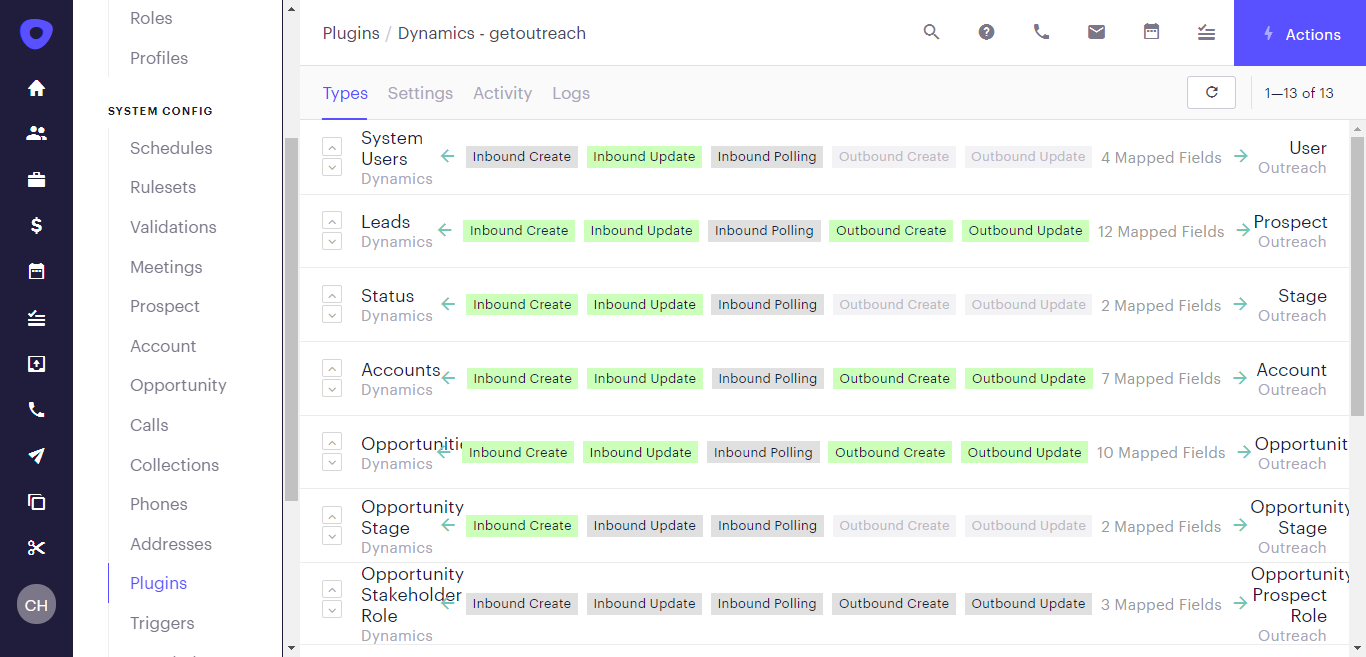
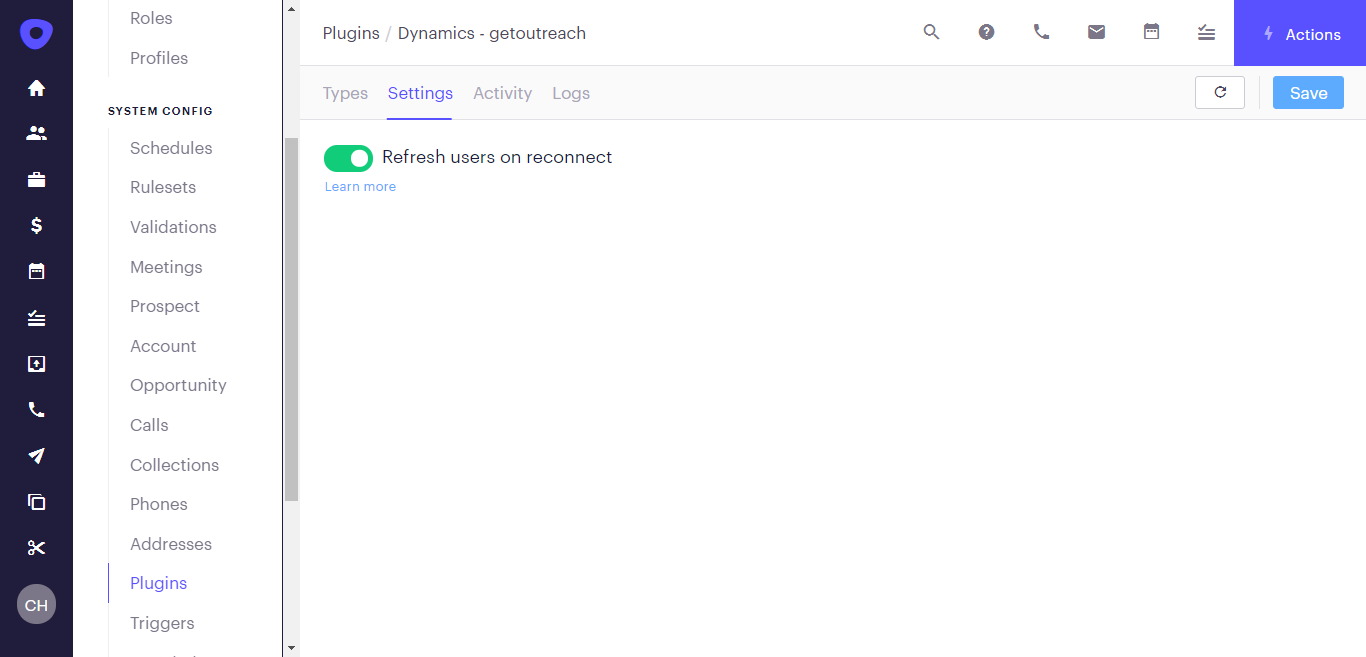
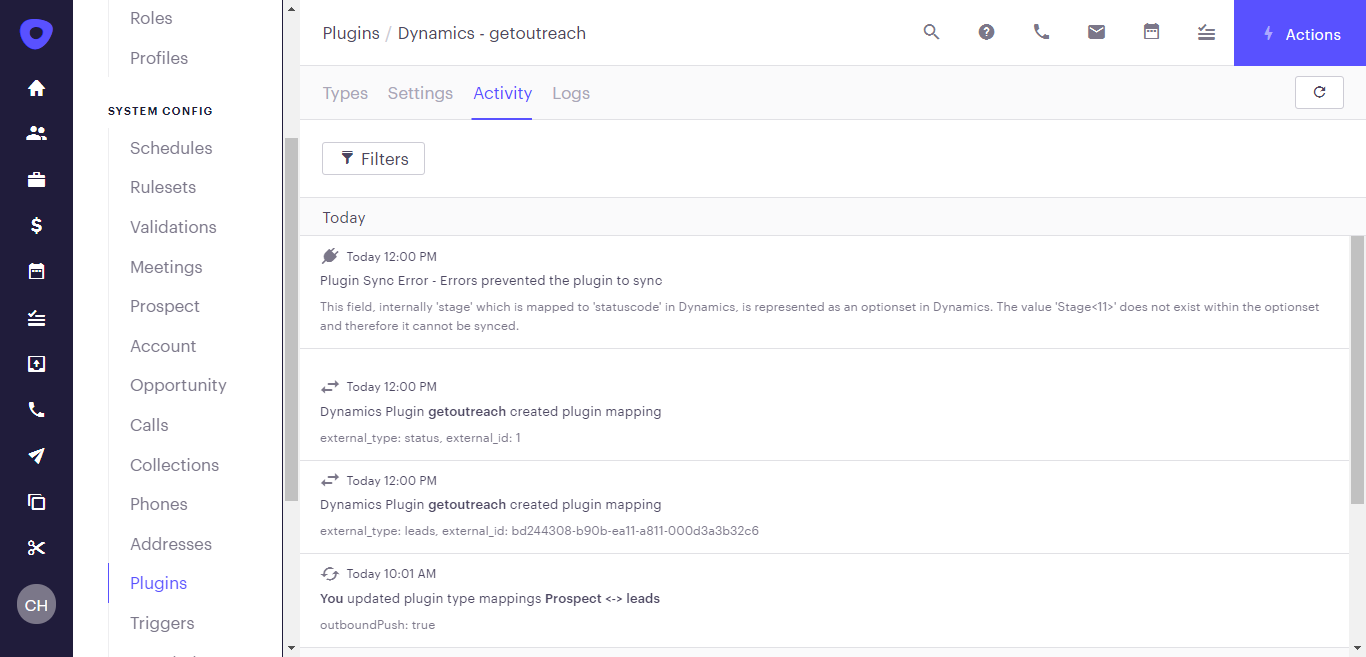
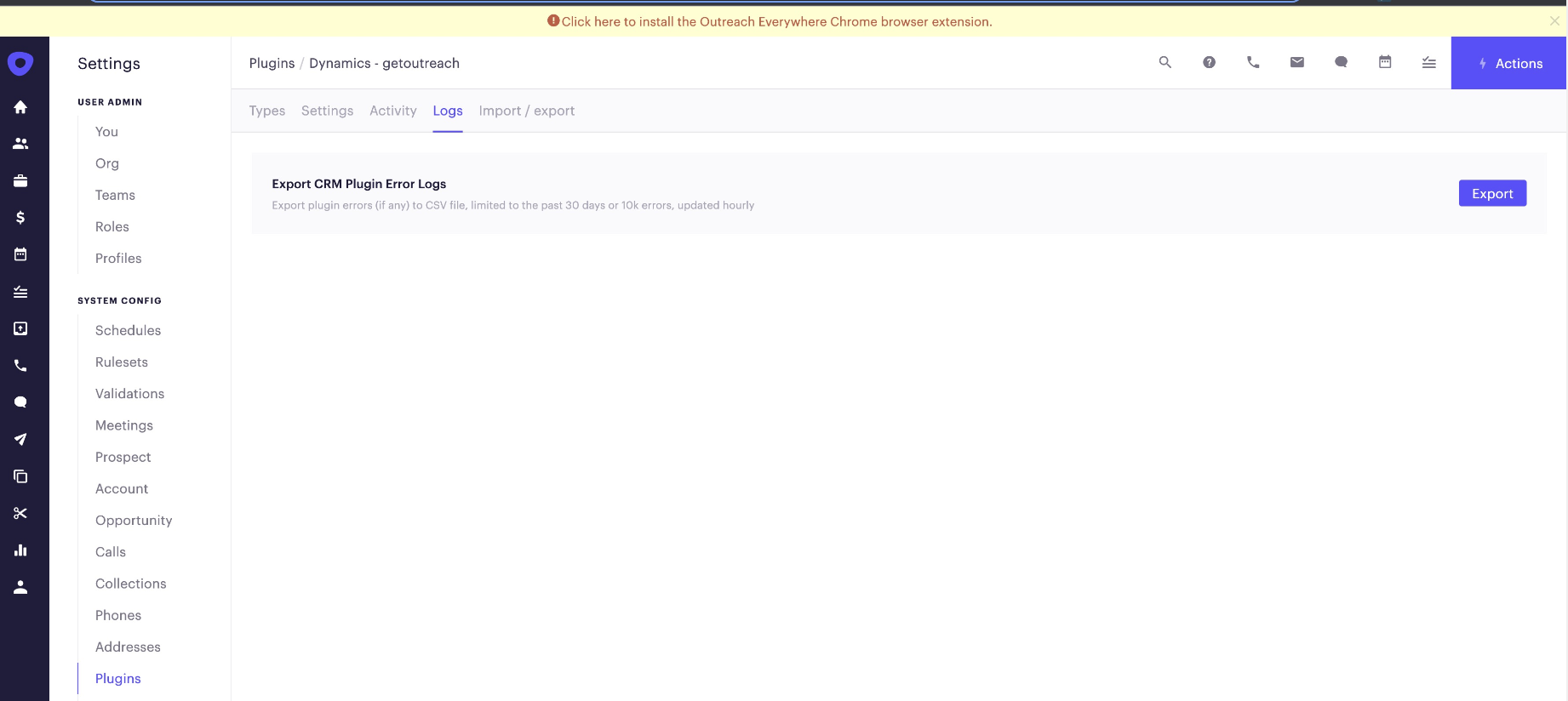
The Microsoft Dynamics Plugin contains four separate pages and are accessed via the menu bar: Types, Settings, Activity, and Logs.

Types
Settings
Activity
Logs
Was this article helpful?
That’s Great!
Thank you for your feedback
Sorry! We couldn't be helpful
Thank you for your feedback
Feedback sent
We appreciate your effort and will try to fix the article