Applies To
-
Emails, templates, snippets, sequences, one-offs, and bulk compose messages
-
Copying and pasting from an external source into Outreach messages and content
Answer
Yes, we do support the ability for you to copy and paste into Outreach from an external source. It's important to remember that this can also introduce potential formatting issues as you will also be copying the hidden HTML.
Copy/pasting is fine, but we always recommend creating that new content from scratch. If you do need to copy/paste from an external source, make sure you're pasting it into Outreach without the copied formatting, then you can format the message and content from within Outreach.
The same applies for images. You can copy/paste an image into Outreach, but we will always recommend that you download the image first, then use the Add image button in the editor toolbar to upload your image.
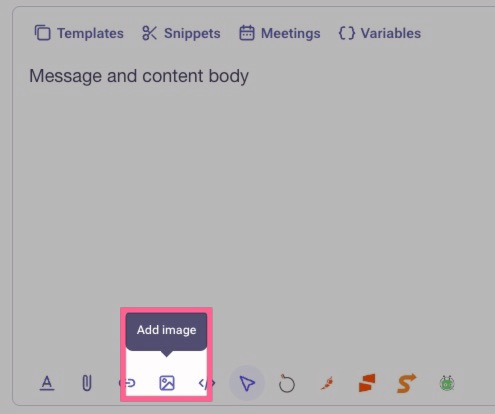
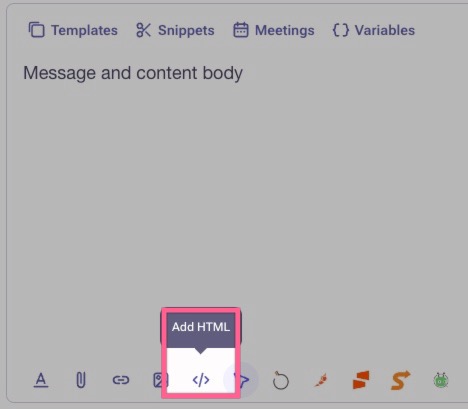
Lastly, if you have the HTML script and you want to use that instead, you can paste your HTML script into your Outreach content. Keep in mind that your admins must permit you this feature/access. If you do not see the Add HTML button in the editor toolbar, then you'll need to request that permission from your admins.
Additional Information
How To Configure an Outreach Template
Was this article helpful?
That’s Great!
Thank you for your feedback
Sorry! We couldn't be helpful
Thank you for your feedback
Feedback sent
We appreciate your effort and will try to fix the article