Objective
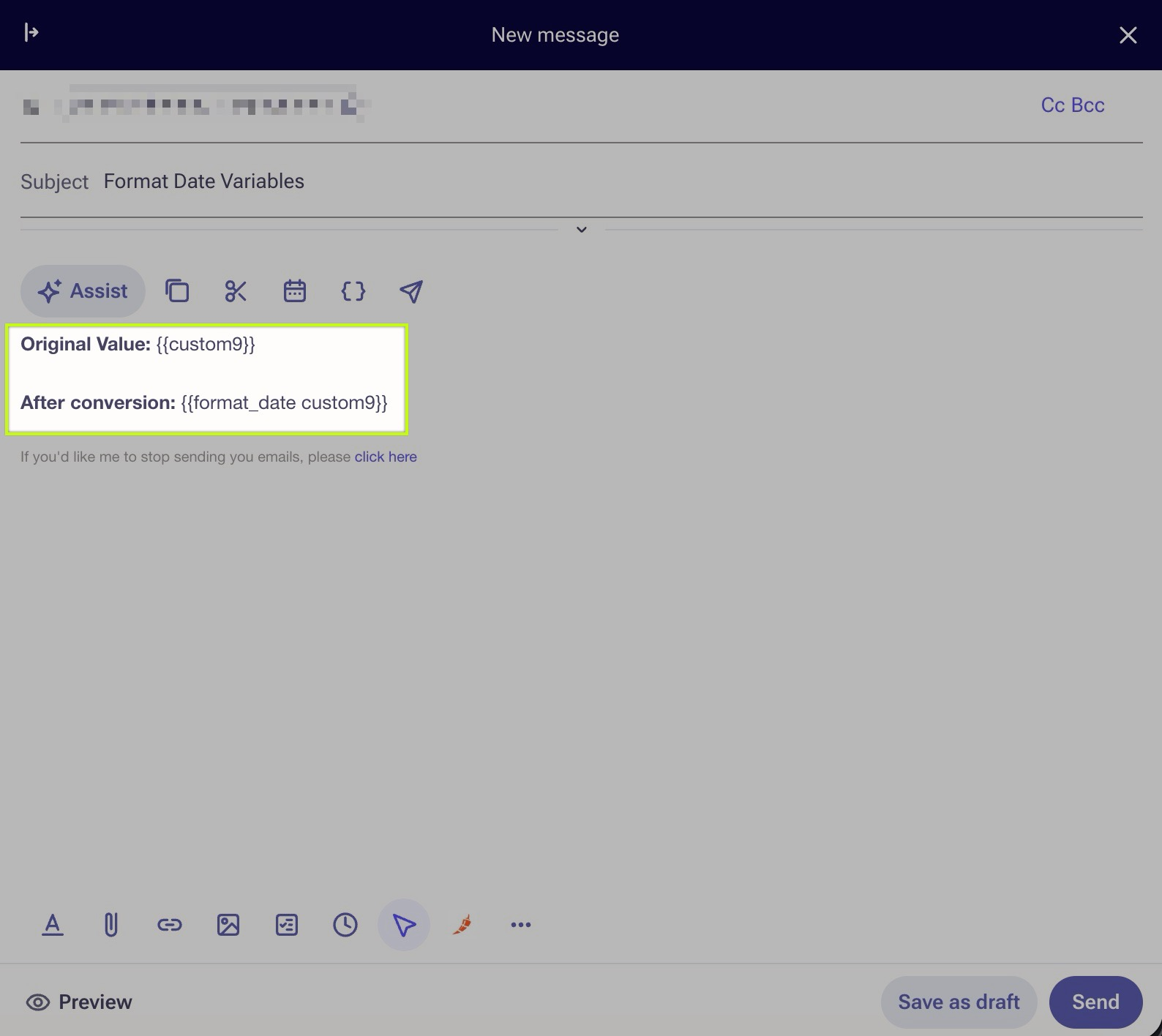
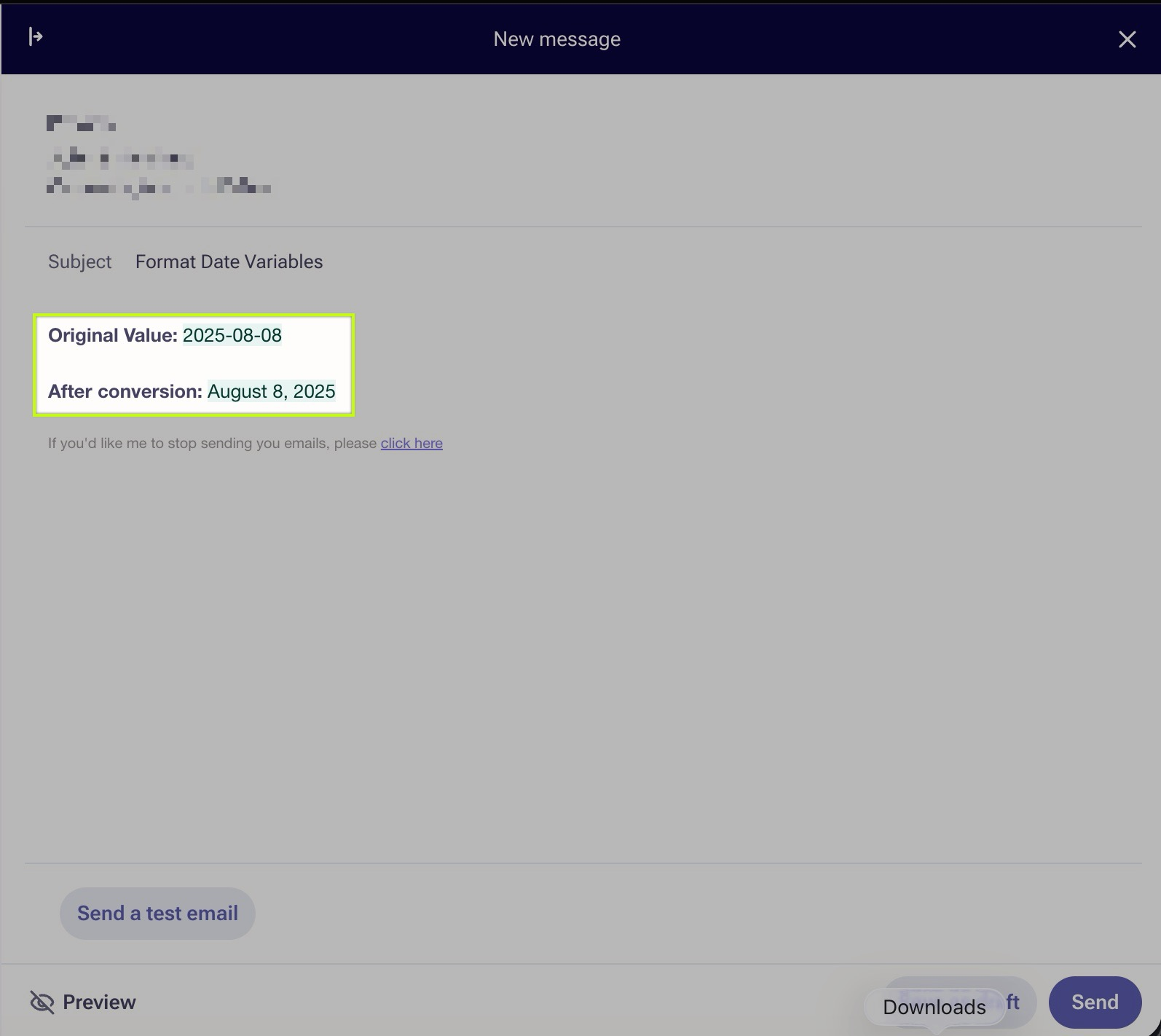
The purpose of this article is to use an Outreach variable to convert date field values into human friendly format.
Applies To
- Outreach users
- Templates
- Snippets
- Emails
This variable will convert the date value in the named field into a more human readable format.
Example
Was this article helpful?
That’s Great!
Thank you for your feedback
Sorry! We couldn't be helpful
Thank you for your feedback
Feedback sent
We appreciate your effort and will try to fix the article